🌐 이 페이지는 아직 번역되지 않았어요 — 영어로 보여 드려요.
🚀 빠른 시작
Convoy — quick start
What Convoy is #
Plaazaa Convoy puts friends who travel in different cars, bikes or on foot on one live map, with a group chat. No sign-up, no install (you can add it to your home screen), free. Open it at plaazaa.com/apps/convoy.
🔒 Positions and chat live only in the server's memory while the convoy is open. Nothing is saved. You can Hide at any moment.
Start a convoy in 5 steps #
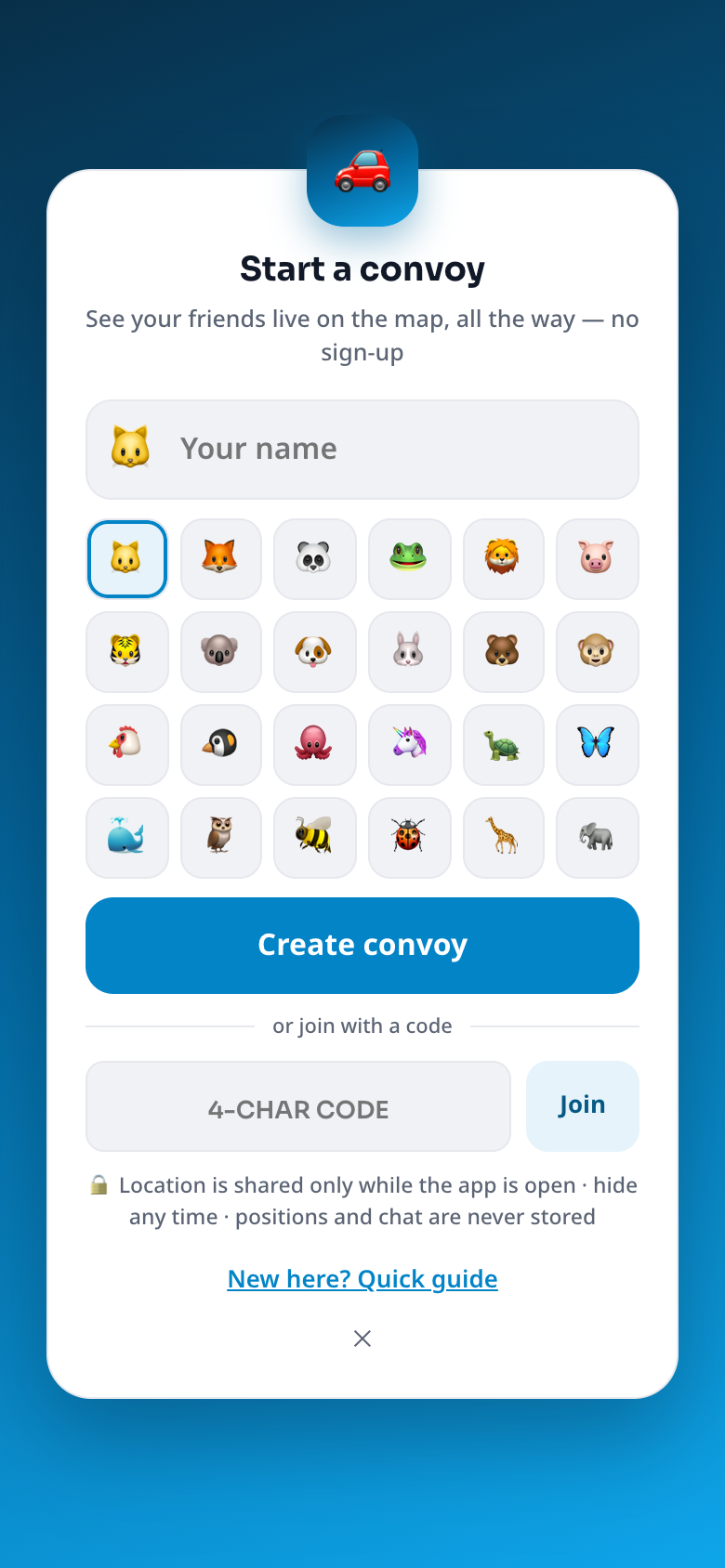
- Open Convoy, type a name, pick an emoji, tap Create convoy.
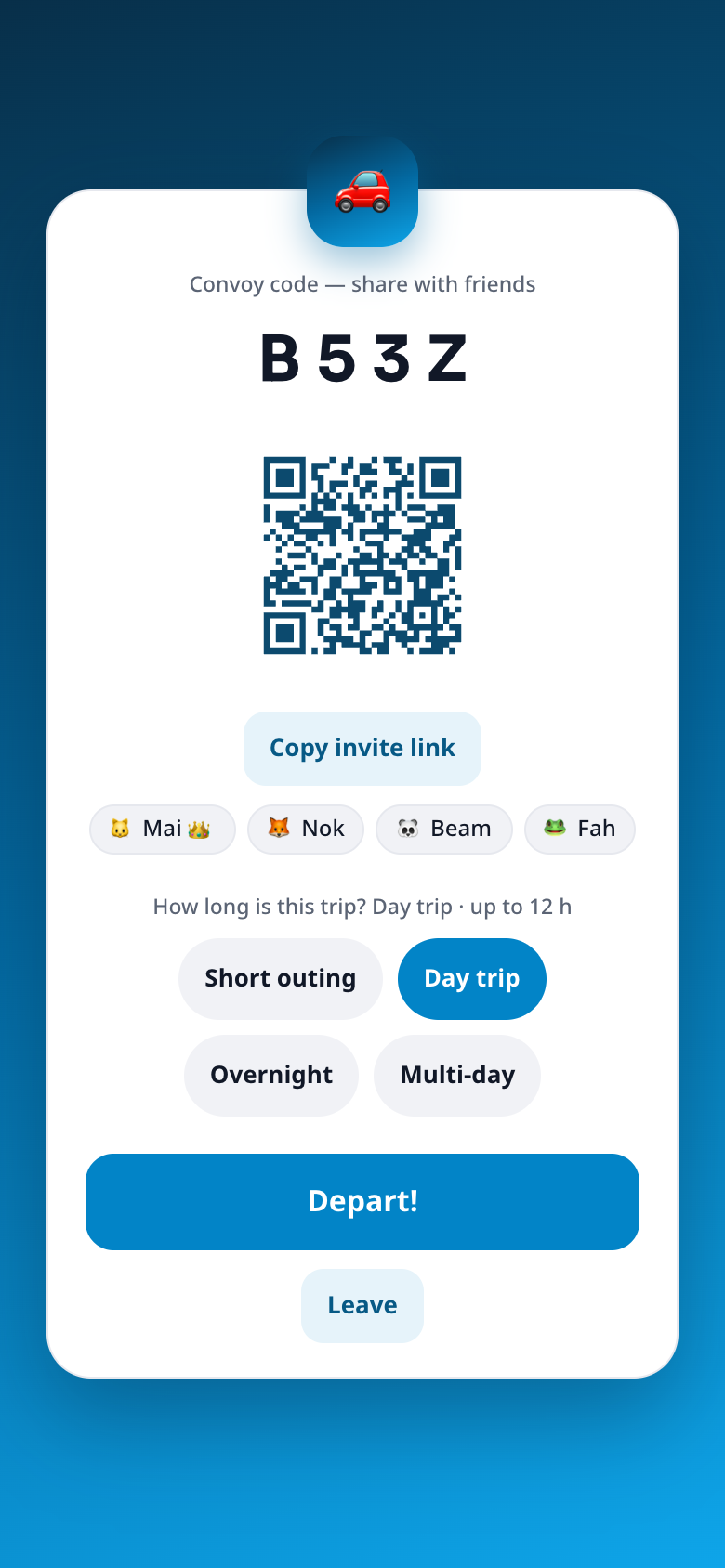
- Invite friends. You get a 4-letter code, a link and a QR code. Send the link to your group chat, or let friends scan the QR with their camera. Up to 16 people, and friends can also join later, on the road.
- Tap Depart! (everyone who is in the lobby leaves together).
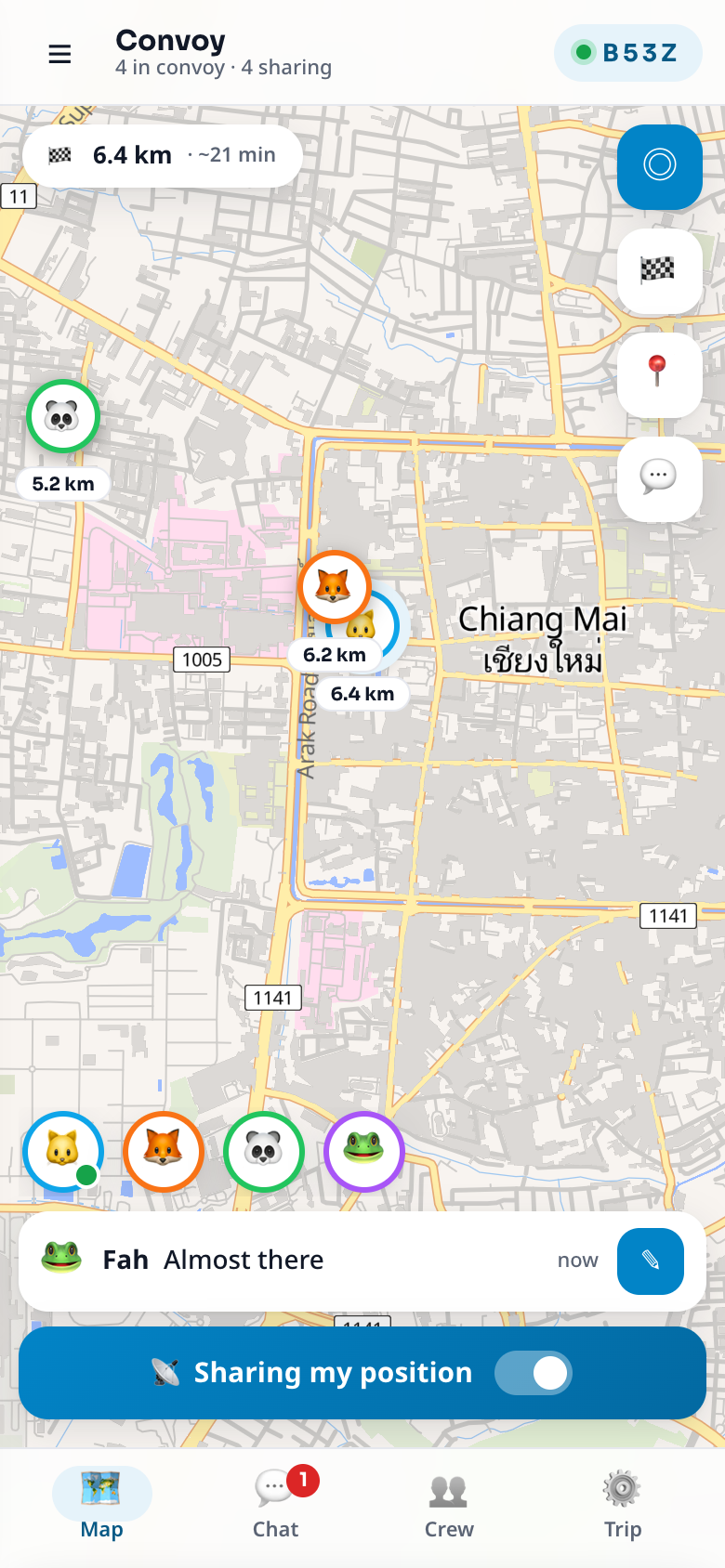
- Tap "Share my position" on the map. Your phone asks for location once. Keep the screen on.
- Set the destination (the host): tap 🏁, type a place, tap the result. Everyone now sees their distance and ETA, and Navigate opens Google Maps, Waze or Apple Maps.
Join a friend's convoy #
Open the link your friend sent (or scan their QR, or type the 4-letter code), choose a name and emoji, tap Join. If you join after the convoy left, you appear on the map as soon as you tap Share my position.
What you see #
The bottom bar has four tabs: Map, Chat, Crew, Trip. The ☰ menu has How it works, Language, Theme, Driving mode and Help.
Tips before you drive #
- Keep Convoy open on screen. A web page cannot track a locked phone. Use a phone mount with the screen on; Convoy keeps the screen awake while you share.
- Do not type while driving. Use the quick phrases, or switch on Driving mode (☰ menu): bigger buttons, messages read aloud, typing locked above 20 km/h.
- Charge the phone or plug it in: GPS and a bright screen use battery.
- Download your navigation app's map for areas with weak signal. Convoy needs data to update.
💡 Send the one-page road trip checklist to the group chat before you leave.
Next #
- Hosting? Read the host guide.
- A passenger or friend? Read the member guide.
- Sending a link to family? See For family and friends.
- Something not working? Troubleshooting.