🌐 このページはまだ翻訳されていません — 英語で表示しています。
👑 ホスト向けガイド
Convoy — host guide
The person who creates the convoy is the host (👑). The host sets things up for everyone. If the host is away, an online friend leads automatically and the host gets the role back on return.
Before leaving: the lobby #
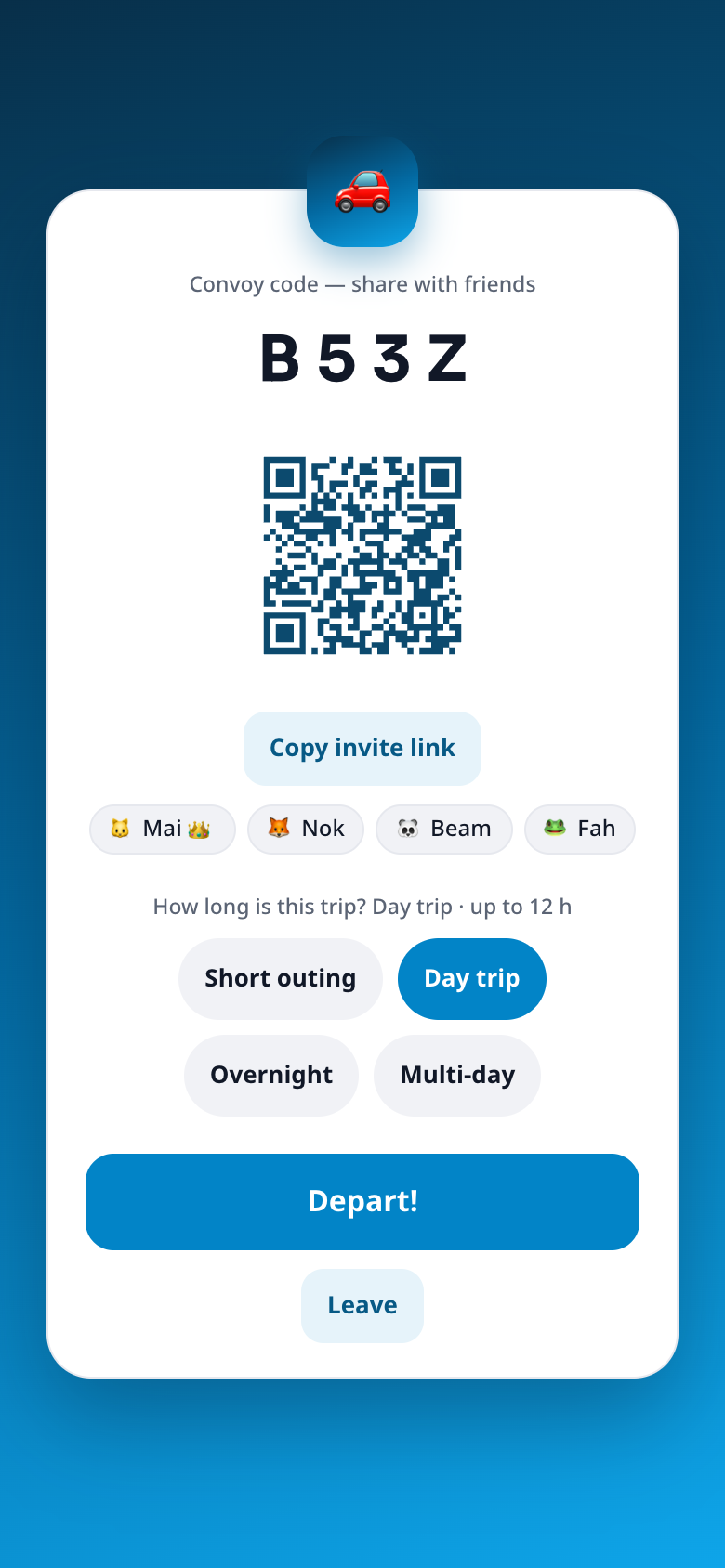
- Share the code, link or QR. Friends who join appear in the list.
- Choose the Trip length (see below).
- Tap Depart! when everyone is ready. Friends can still join later.
- Go and share the link in another app, then come back: the lobby is still there with the same code. Your seat is kept while you are away (people who stay away more than 10 minutes drop off the list; a lobby nobody returns to closes after 30 minutes).
Destination #
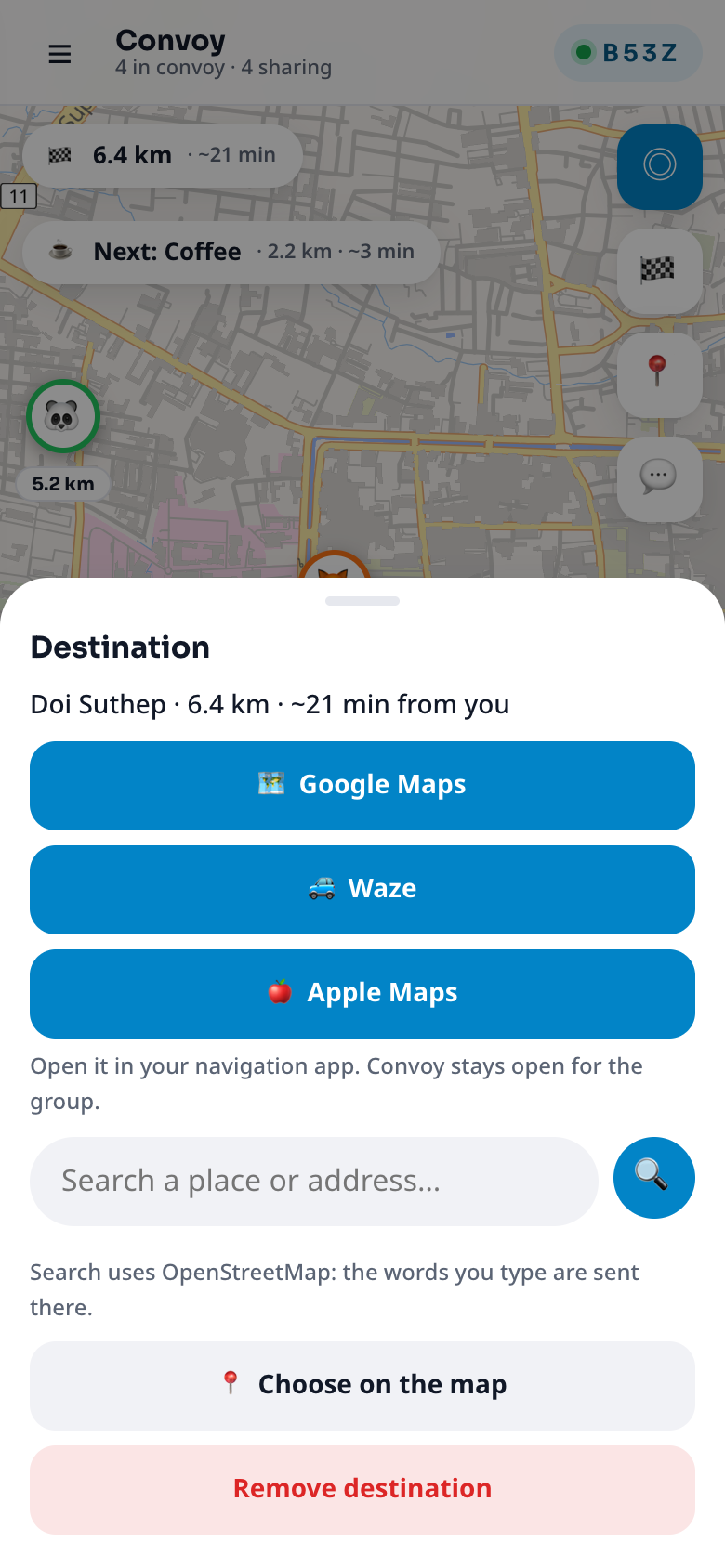
Tap 🏁 (or the ETA chip), type a place or an address and tap a result, or choose Choose on the map. Everyone then sees their own distance and ETA, and Navigate opens Google Maps, Waze or Apple Maps. Search uses OpenStreetMap and only runs when you press search.
Stops (rally points) #
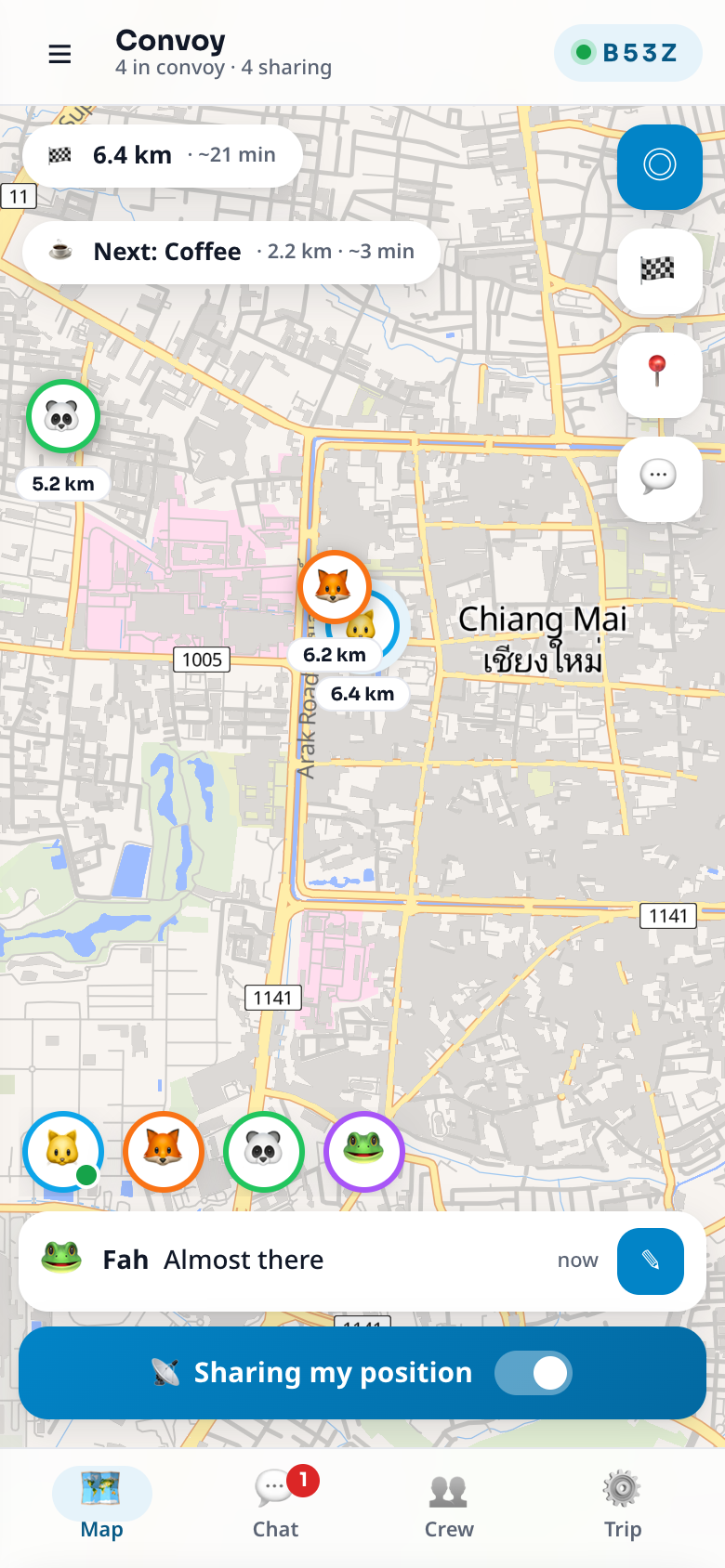
In Trip → Stops → Add a stop the host plans up to 6 stops: fuel, food, a meeting point. Search a place or tap the map, choose an icon. Everyone sees numbered pins and a "Next: …" chip with distance and time. A stop turns Done ✓ when everyone has been within 150 m, and the group gets one line.
Leader and Sweep #
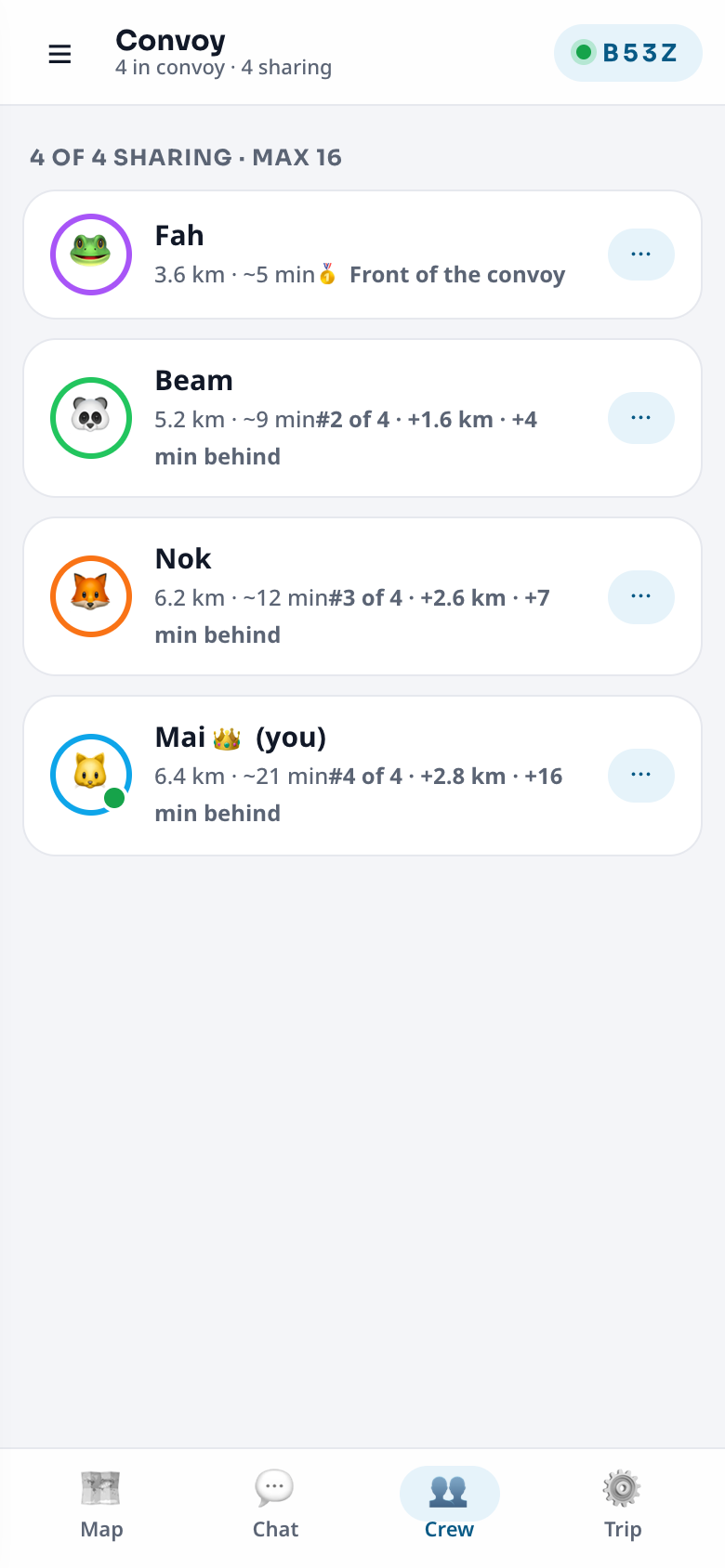
In Crew, tap a friend's ⋯ and make them the 🚩 Leader (front car) or the 🧹 Sweep (last car). One of each. The Leader shows first and the Sweep last, and the fall-behind alert measures from the Leader.
Safety settings #
In Trip → Safety, set the fall-behind alert: Off, 5, 10 or 20 km. When a friend falls further behind the front, everyone gets one line and a short buzz. It needs a destination.
Trip length #
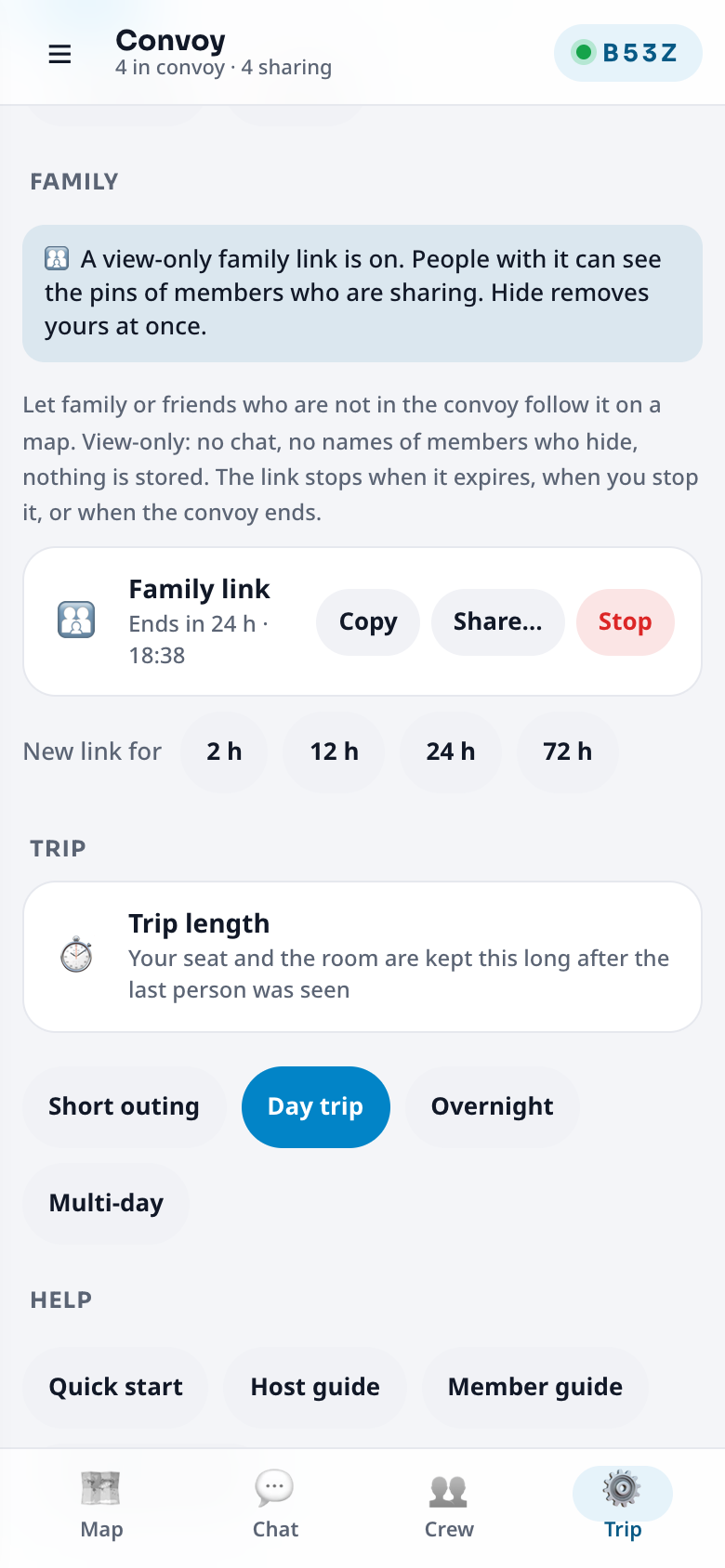
How long the convoy is kept after the last person was seen. Change it any time in the lobby or Trip → Trip length.
| Choice | Kept for |
|---|---|
| Short outing | up to 4 hours |
| Day trip (default) | up to 12 hours |
| Overnight | up to 24 hours |
| Multi-day | up to 72 hours (the maximum) |
When nobody has been seen for that long, the convoy closes and everything is wiped. It also closes 2 hours after everyone arrived with no activity, or after 4 hours of silence (at 3 hours everyone sees "Still travelling?"; one tap keeps it open).
Lock the convoy #
Trip → Lock convoy stops new people joining (for example when a stranger could guess the code). Unlock any time. You can also remove someone from Crew.
Family link #
In Trip → Family create a view-only link for family who are not in the convoy: choose 2, 12, 24 or 72 hours (up to 3 links at once), then Copy or Share…. Stop ends a link at once. Everyone in the convoy is told when a link is opened, and Hide removes a member from the page. Details: For family and friends.
Convoy for an event #
A convoy is optional for each event. When you create or edit an event, switch on Offer a convoy for this event (it is off by default, so ordinary events never show a convoy button). Then, on the event card, the organizer and managers see 🚗 Convoy from 6 hours before the start. It opens Convoy with the destination already set to the event's pin, the trip length matched to the event, and the event's name in the lobby. Members who replied Going or Maybe tap the same button to join with their Plaazaa name; it works once you have started the convoy.
- Up to 50 people (instead of 16). Above 20 people Convoy updates a little more calmly (every 3 seconds) to stay smooth.
- Only event members can join. In Trip → Guests by link you can also let people who did not come from the event page join with the code or link.
- Positions and chat stay inside the convoy: Plaazaa only knows that the convoy exists.
- Ending the convoy (or the event ending) closes it like any other convoy.
Telling the event #
When you depart, everyone who replied Going or Maybe gets one notification ("The convoy for … has started"). While it runs, the event card shows 🚗 Convoy live · 12 online. In Trip → Recap on the event you can switch on a one-line recap that stays on the event card after the convoy ends ("31 people · 3h 10m · 28 arrived"); it is off by default and never shows names or positions.
Groups — for a big convoy #
In an event convoy (up to 50 people) the host can split people into up to 8 groups, for example one per bus. Open Trip → Groups, type a name (for example "Bus 1") and tap +. Each person chooses My group in the same place, and you can assign anyone from Crew → ⋯ → Set group….
- Crew gets filter chips ("All · 12", "Bus 1 · 6" …) and each card shows the group. The map shows the group you pick, plus you.
- Chat stays one chat for everyone. The fall-behind alert still measures from the convoy's Leader.
- Above 20 people, friends' name labels on the map show only when you zoom in, so the map stays readable.
- The family page shows each person's group name.
If you are away #
After a minute offline an online friend leads ("👑 … is leading now"). When you come back you are host again.
End the convoy #
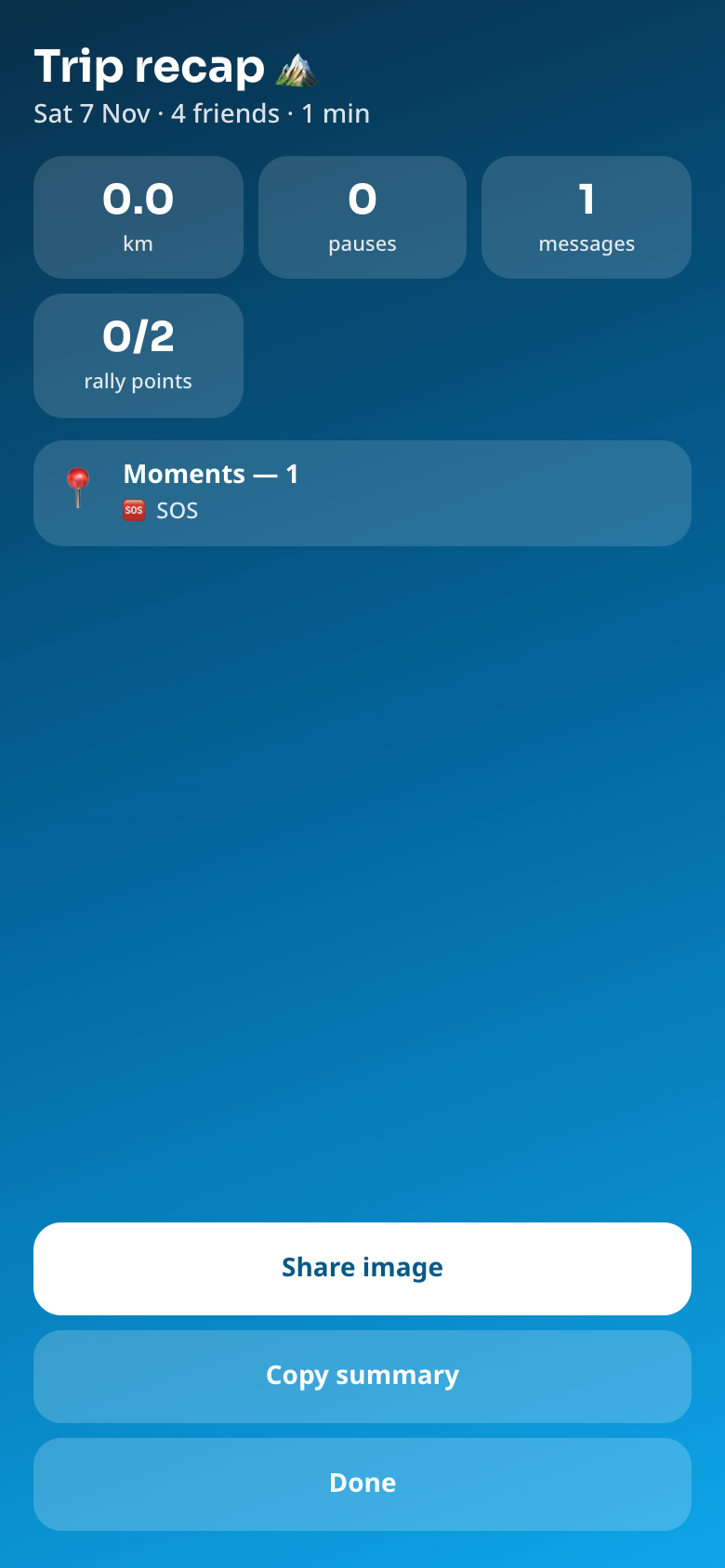
Trip → End convoy for everyone. Everyone gets a trip recap, then the room, positions, chat, Moments and family links are wiped. The code then says "this convoy has ended".